
This replacement is recommended to be carried out by all customers themselves. Wingtra's warranty is not affected by this replacement.
Select your drone version
a. Remove the PPK module on GEN II units
b. Remove the PPK module on GEN I units (868Mhz/900Mhz/2.4Ghz drones)
a. Remove the PPK module on GEN II units
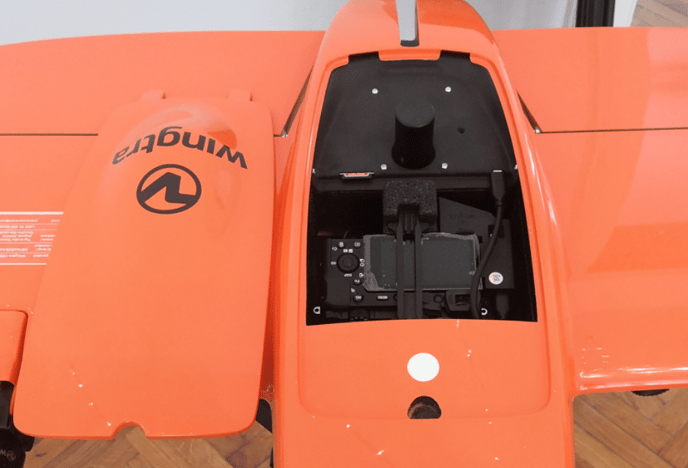
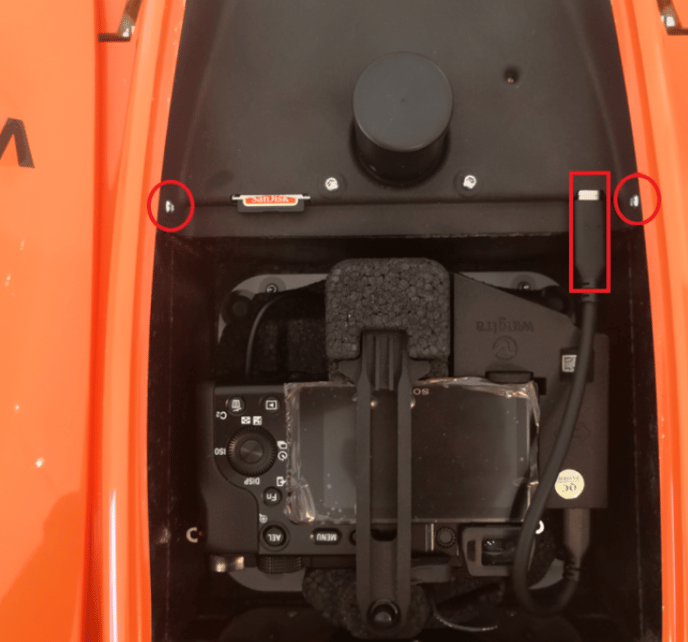
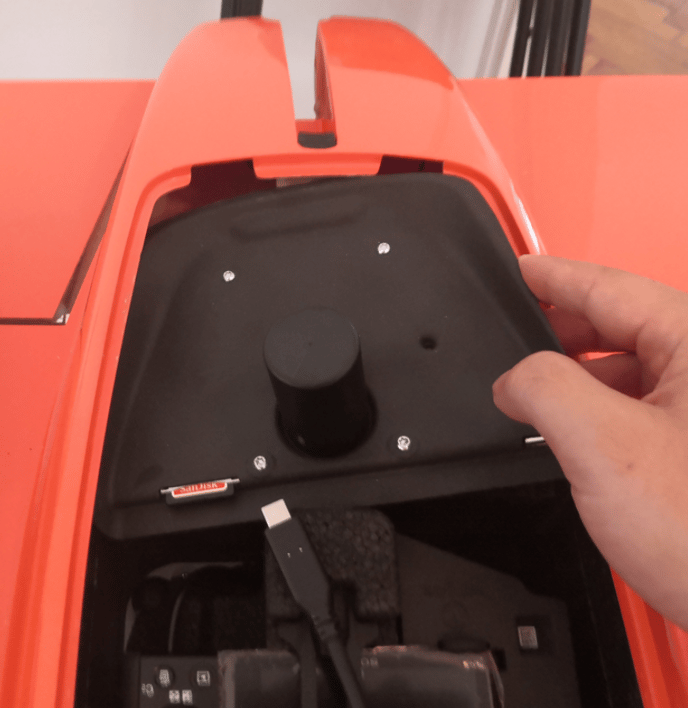
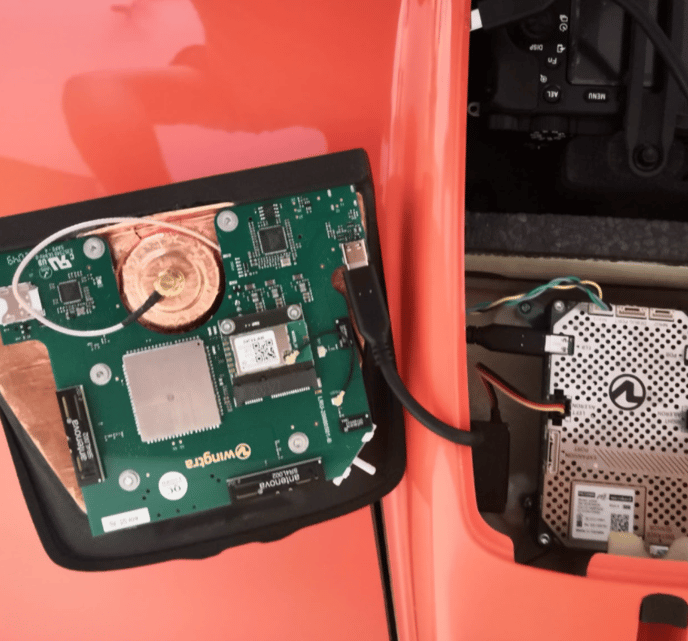
On WingtraOne Gen II units the PPK module is integrated into the electronics bay cover (e-plate).
b. Remove the PPK module on GEN I units (868Mhz/900Mhz/2.4Ghz drones)
Step 1 Open the top cover
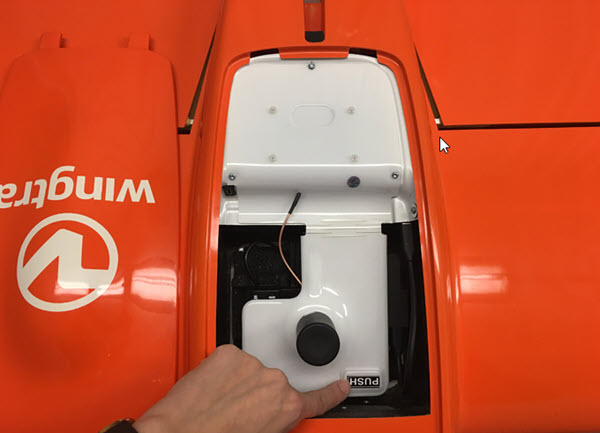
Step 2 Remove the PPK module
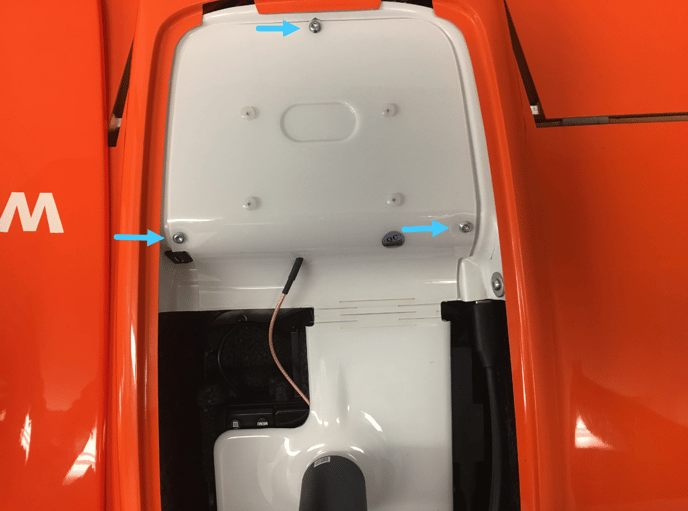
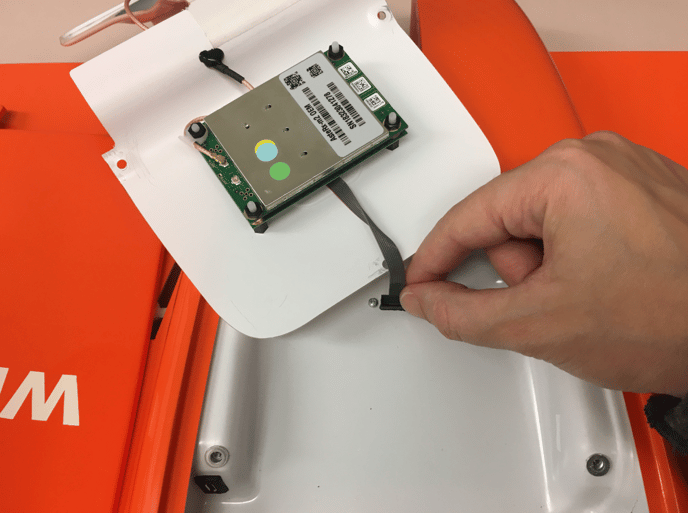
Step 3 Close the top cover
- Take the top cover and close the WingtraOne payload area