Skip to content
English
  • There are no suggestions because the search field is empty.

RedEdge-P on RAY - Installation Guide

Step-by-step instructions for installing the RedEdge-P payload and DLS on the RAY drone

#

Illustration

Instructions

1


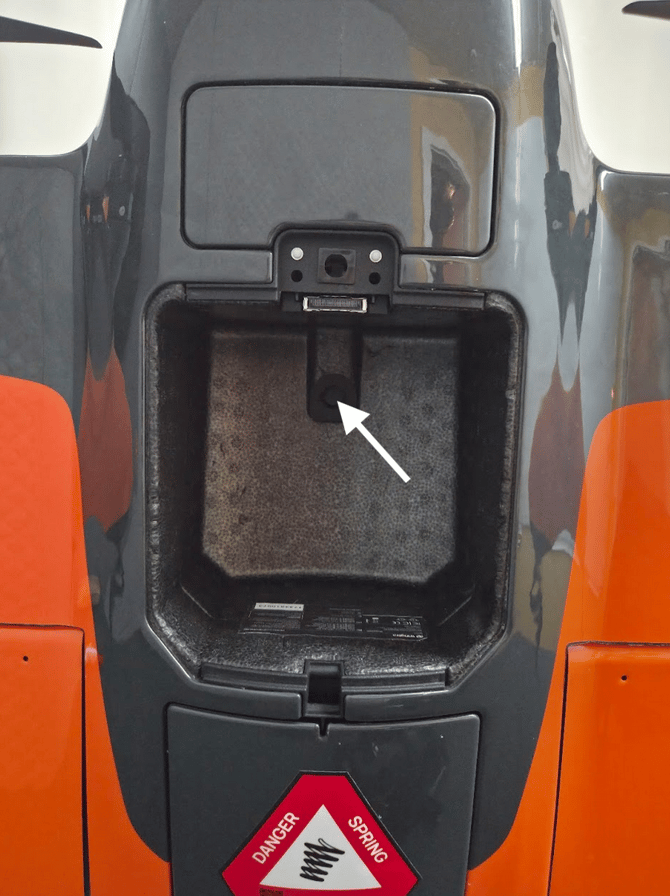
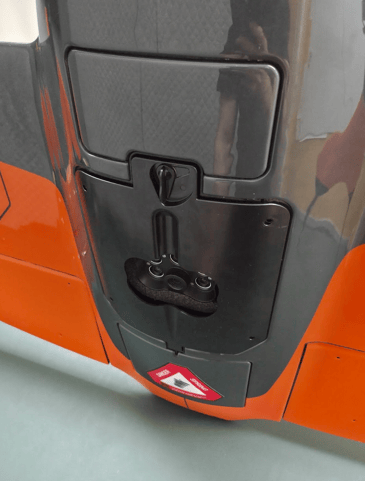
  • Remove the plug for the DLS by pushing against it from the payload bay (white arrow)
  • Make sure to collect the plug and store it


2


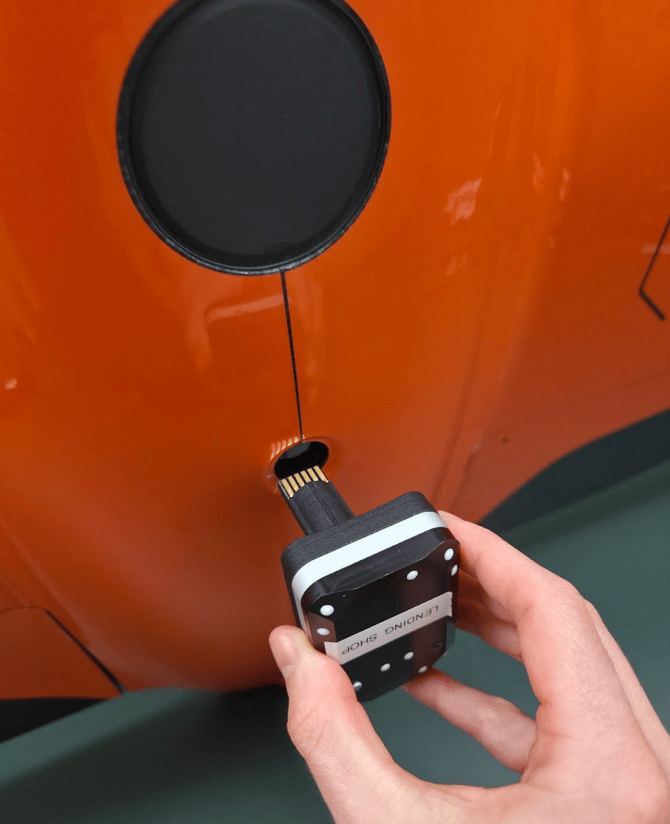
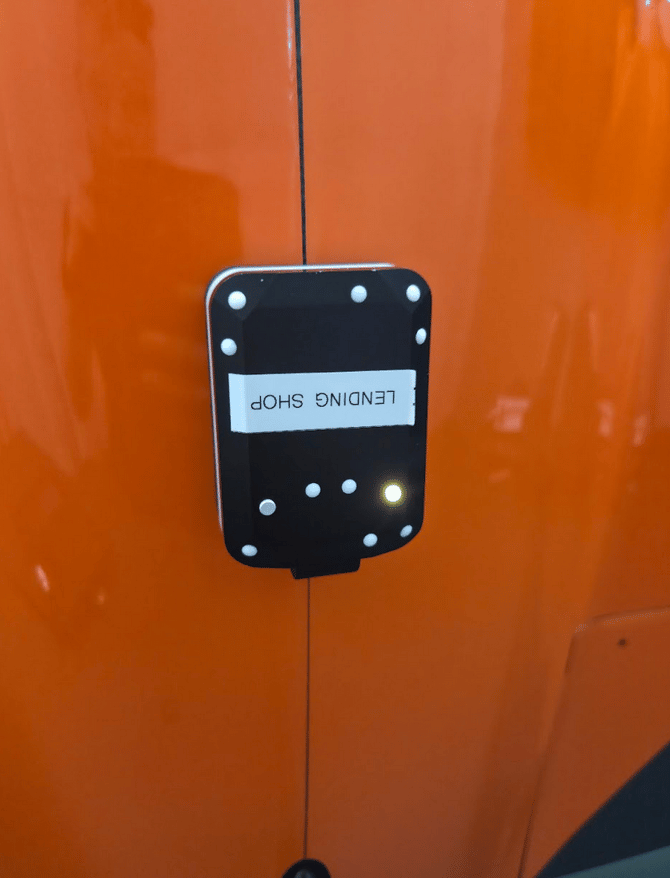
  • Plug the DLS into the drone (you should feel it click)
  • Ensure that it sits flush with the drone body
  • It is important to follow the assembly order: first install the DLS and then continue with step 3.

3

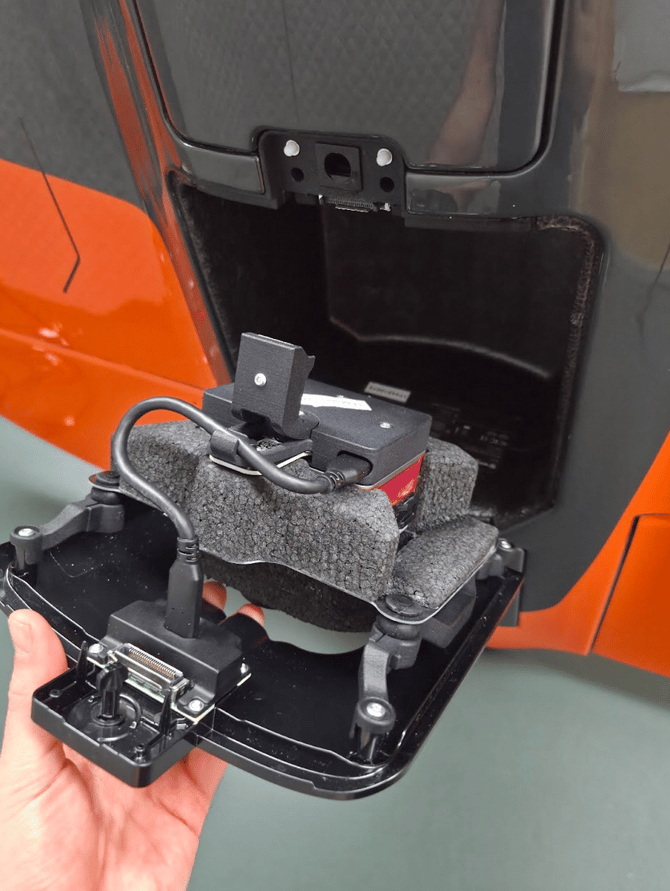
  • Swing in the RedEdge-P payload into the payload bay and lock it in place
  • Ensure that the DLS is still sitting in place


4


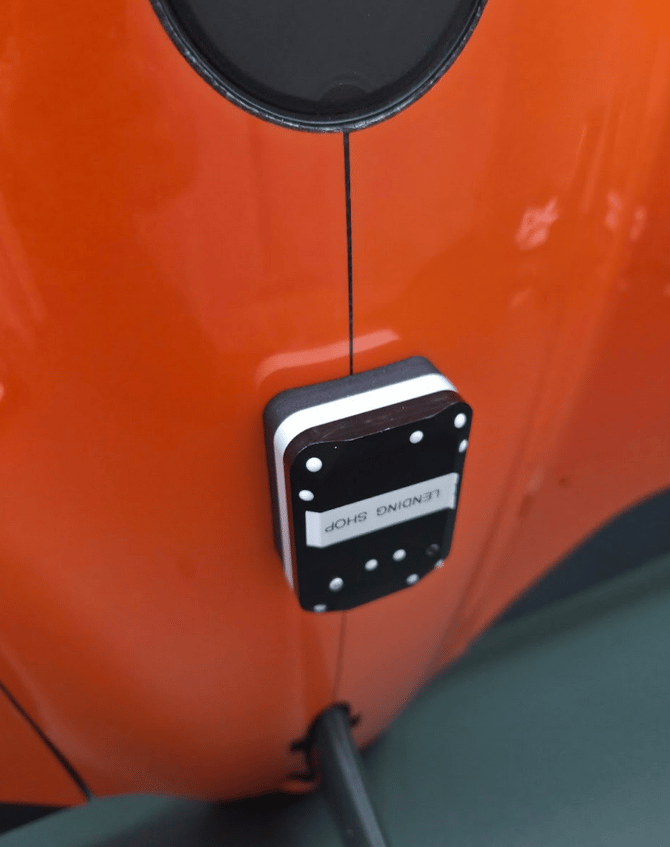
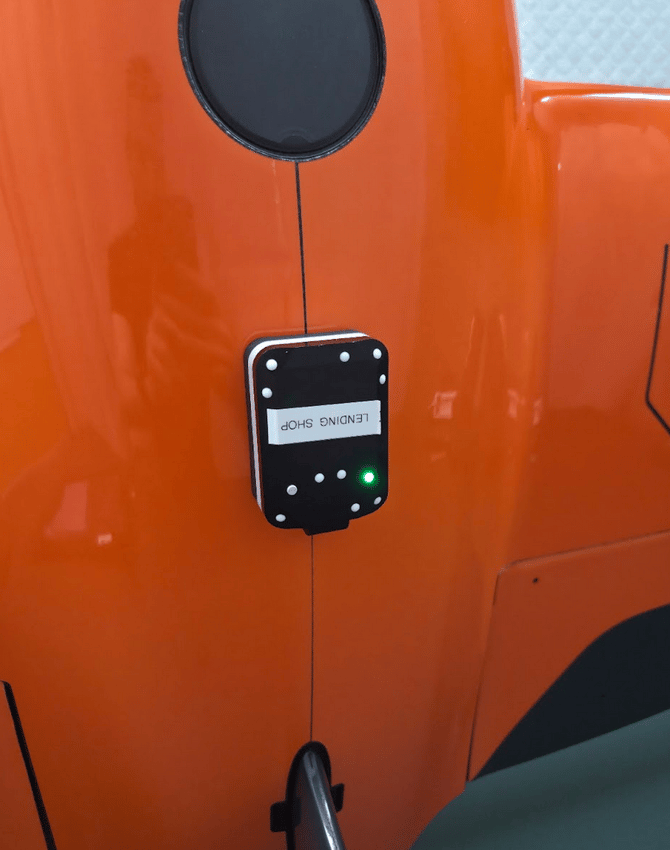
  • Power up the drone
  • Ensure that the LEDs are blinking to indicate an established connection
    • Yellow means the DLS is ready without GNSS fix
    • Green means DLS is ready with GNSS fix

Perform a payload pre-flight-check and verify that the payload works

For further instructions follow the general data acquisition article for RedEdge-P