Please first review the basic troubleshooting instructions to see if they address the problem. Perform a test flight to see if the problem still occurs afterwards.
If the issue is unresolved, submit a support ticket providing the following information:
(Required) Problem description
Describe the problem you are having in free text. Be detailed about what you have tried previously, frequency of the issue, if anything changed between good/bad flights, and verification of the issue.
(Required) Logs
Please transfer the flight logs and send them to us using the following process: WingtraOne flight logs uploader.
If you cannot perform a flight log transfer due to a failed camera access, please perform the fallback method and send the obc logs to Wingtra Support.
(Required) Camera log files
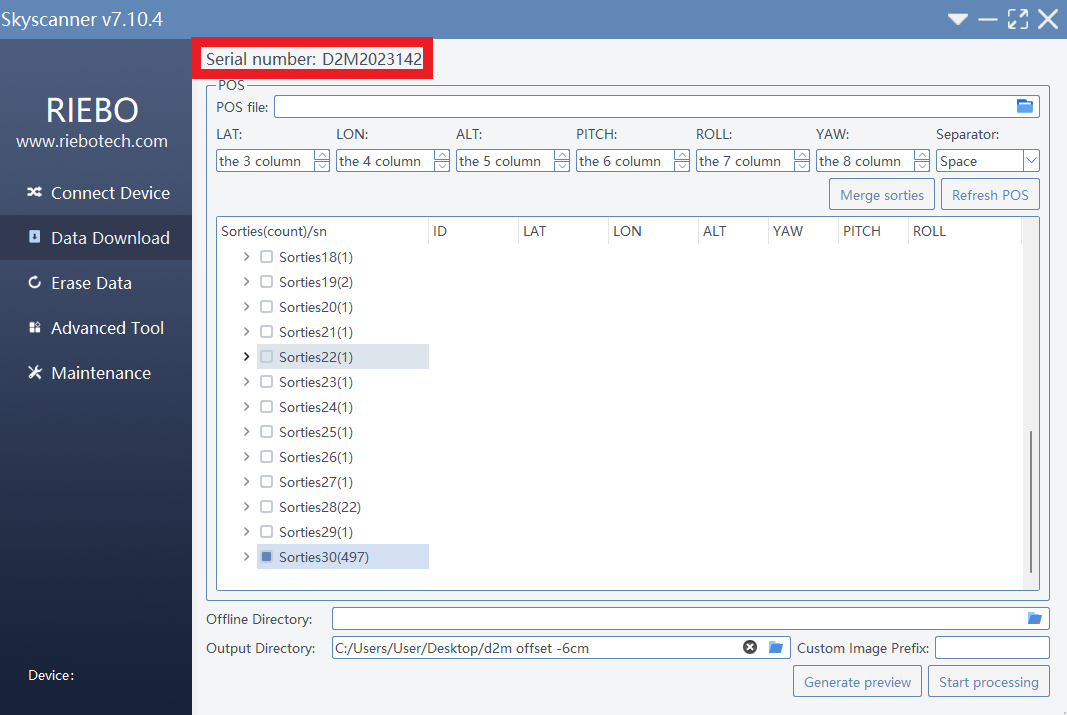
Please check and provide us with the serial number of the camera which can be found by plugging the SD card in, and opening Skyscanner.